Live trips
While a trip runs, the driver's phone shares the vehicle's position with the school and the families on that trip, so they can watch it approach. The driver agrees to it, and sharing starts and stops with the trip.
 School Manager
Back-office platform · The secure back office for modern schools.
 NextLet
Back-office platform · The operating system for lettings agencies.
 EmailGo
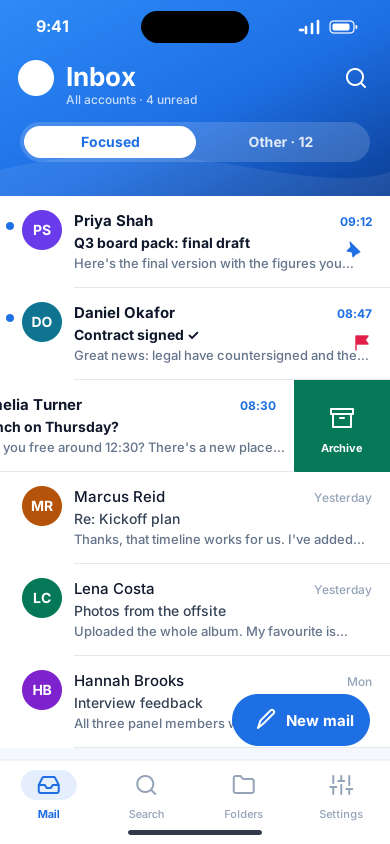
Mobile app · All your email in one fast, private inbox.
 Lesson Manager
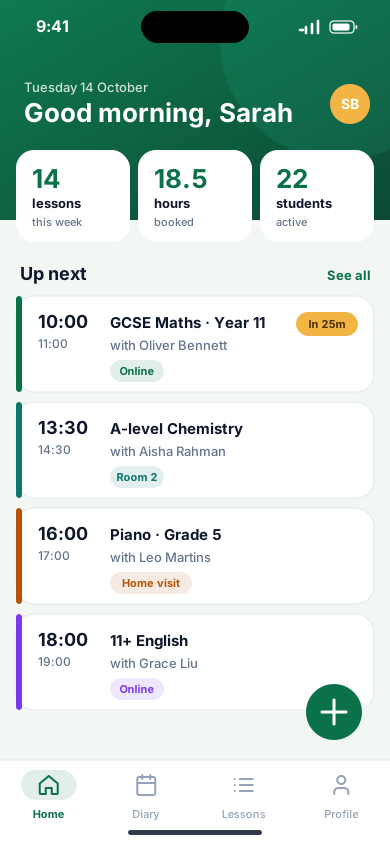
Mobile app · Tuition, organised. Wherever you teach.
 DI Manager
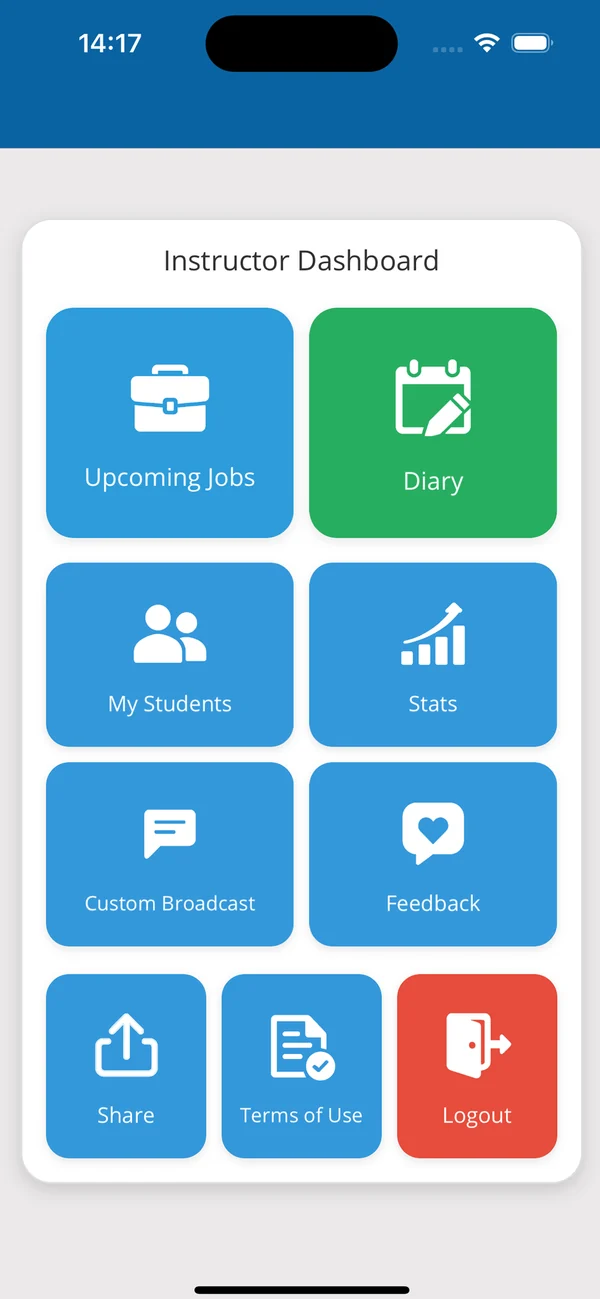
Mobile app · The driving instructor's business, in one app.
 Let's Learn
AI learning app · Turn any book into a paced workbook.
 ChatNow
Mobile app · Private chat, calls and email for your team.
 Astravane
Mobile game · A neon space shooter you play with one thumb.
 ArabicHub
Learning app · Learn Arabic from the very first letter.
 SchoolGo
School transport app · Every school run, safely home.
The engineering behind these products is available for your project: native apps, back offices, APIs and cloud.
School transport app
Every school run, safely home.
A free school transport app for schools, drivers and parents: approved drivers, live trips and families kept in the loop, even where the signal drops.
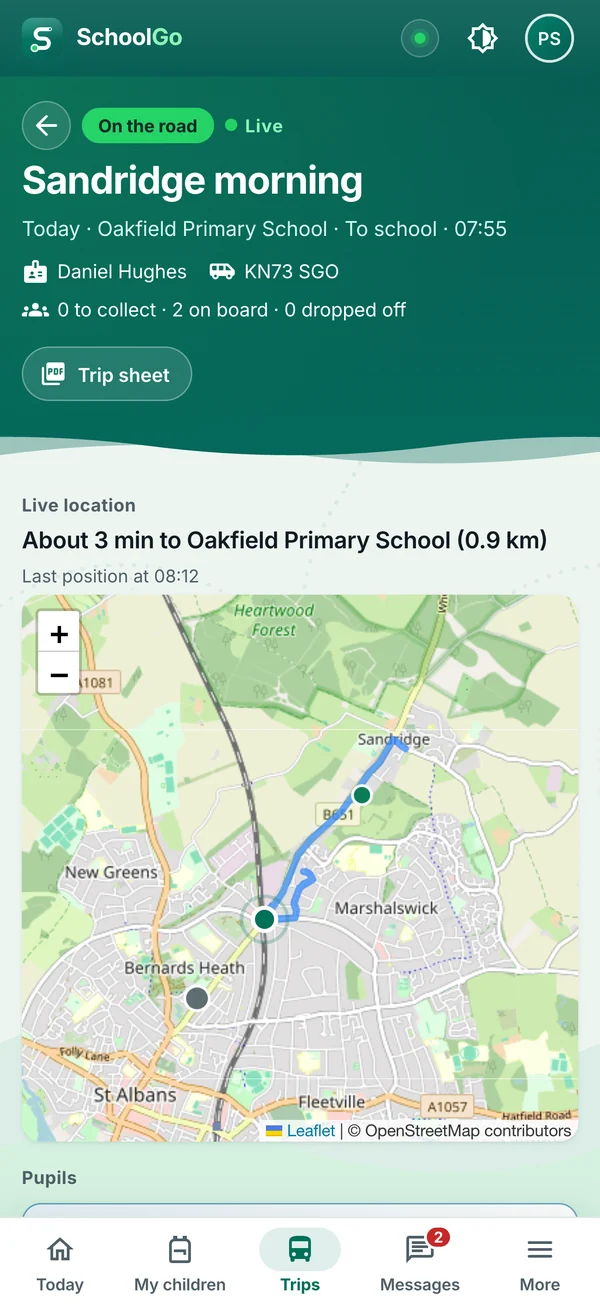
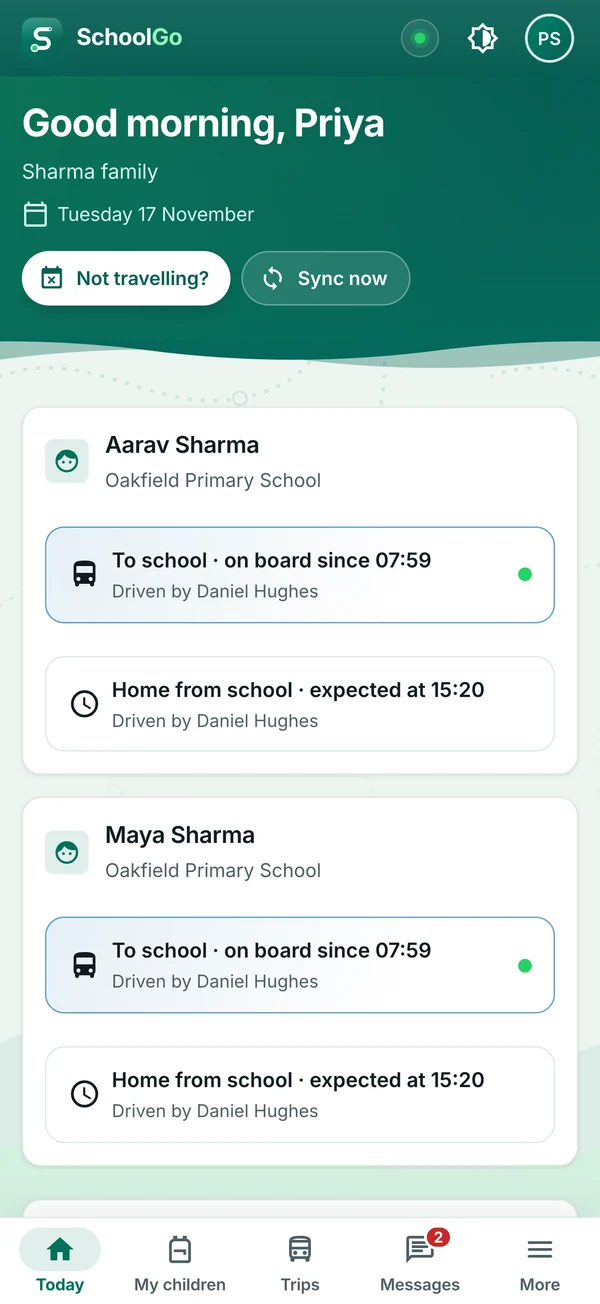
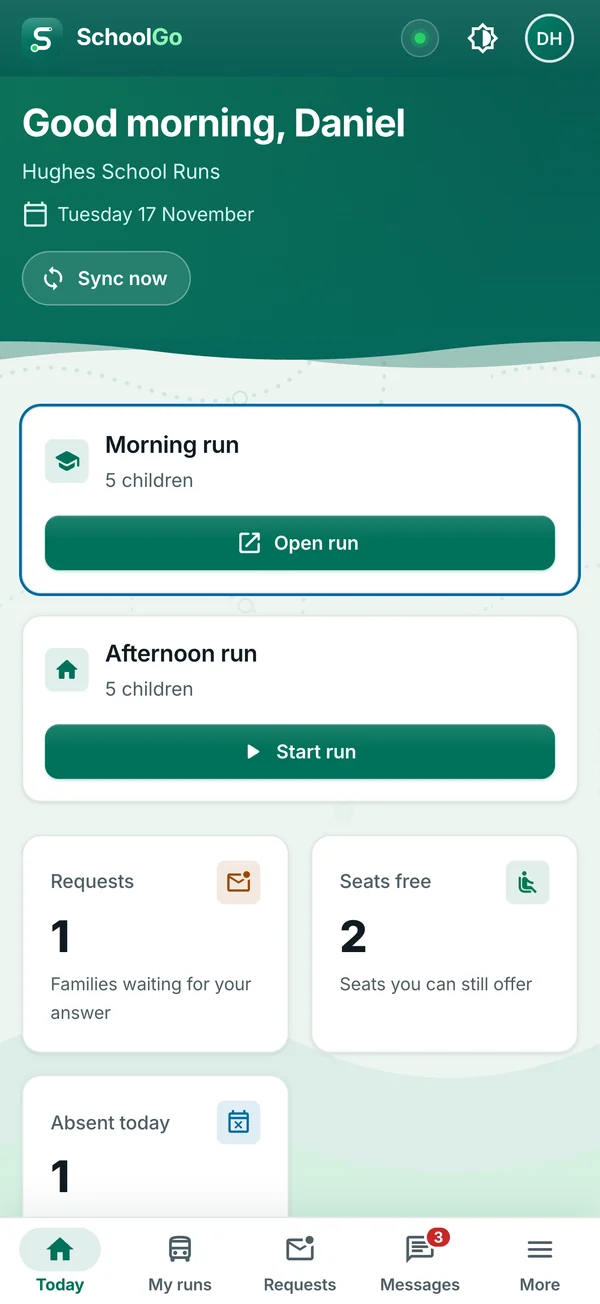
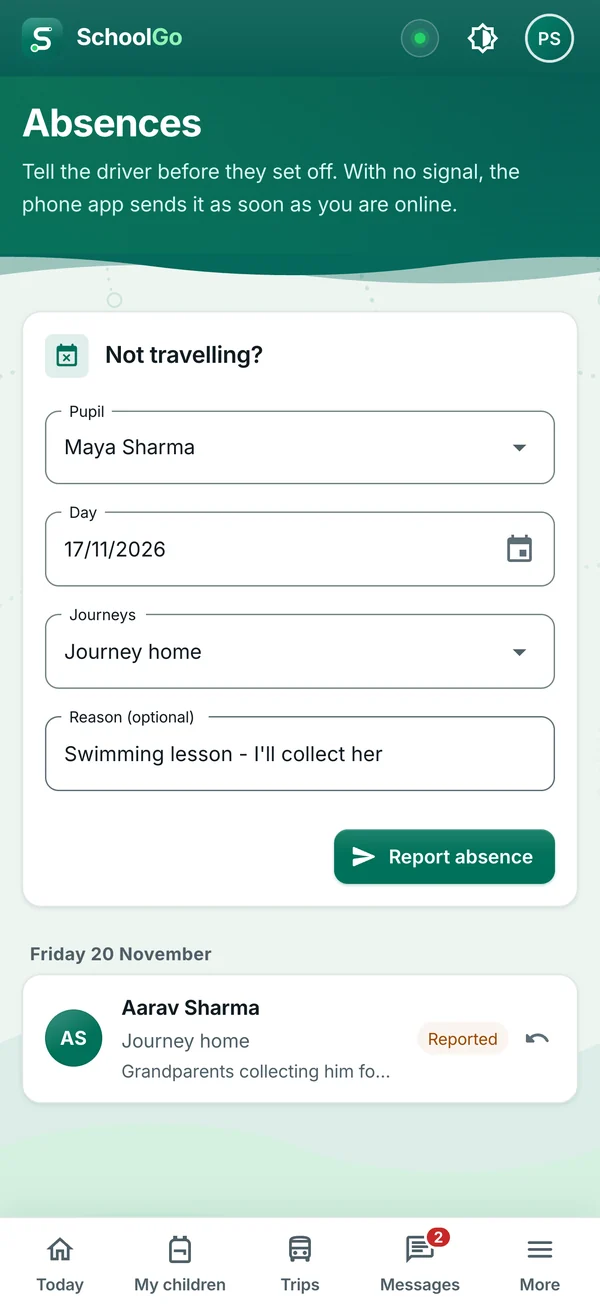
SchoolGo brings the school office, the drivers and the families onto the same page. The school or transport provider plans the routes and the day's trips, authorises the drivers it trusts, and follows every journey as it happens. Drivers see today's runs in order and mark each pupil on board and dropped off. Parents see their own child's journey, waiting, on board or dropped off, message the driver and report an absence from the home screen. It runs on Android phones and iPhones, offline-first, and in a web browser for staff at a desk.
While a trip runs, the driver's phone shares the vehicle's position with the school and the families on that trip, so they can watch it approach. The driver agrees to it, and sharing starts and stops with the trip.
A driver runs a school's trips only with an active authorisation for that school and an in-date licence and background check. The renewals due are one report away.
Trips, pupils and notices are kept on the phone, and every change is saved there first. When the signal comes back, everything syncs by itself, so nothing is lost when the bars drop.
Each school or provider is its own organisation. A driver sees their own trips and the pupils on them; a parent sees their own children and nobody else's. People join with a one-time invitation code.
English, Urdu, Hindi, Arabic, Spanish, French, German and Italian. Urdu and Arabic lay the whole app out right to left, and trip sheets print in every one of them.
Back up a phone's SchoolGo data to your own Google Drive or OneDrive, or to iCloud on an iPhone, encrypted with a passphrase you choose.
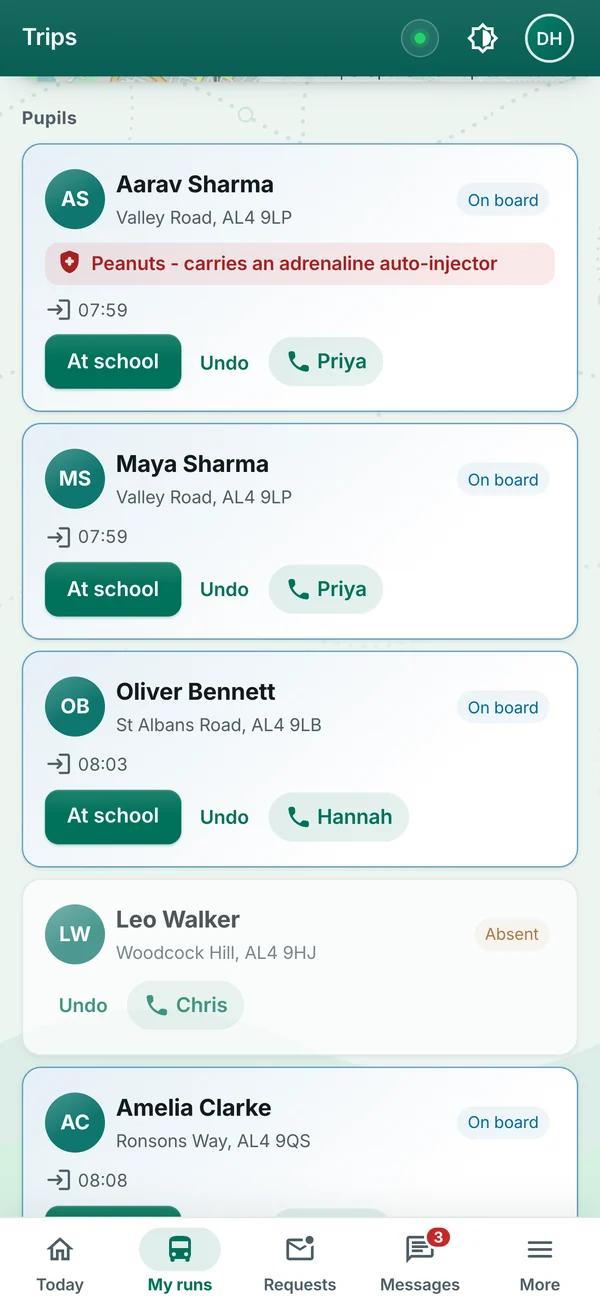
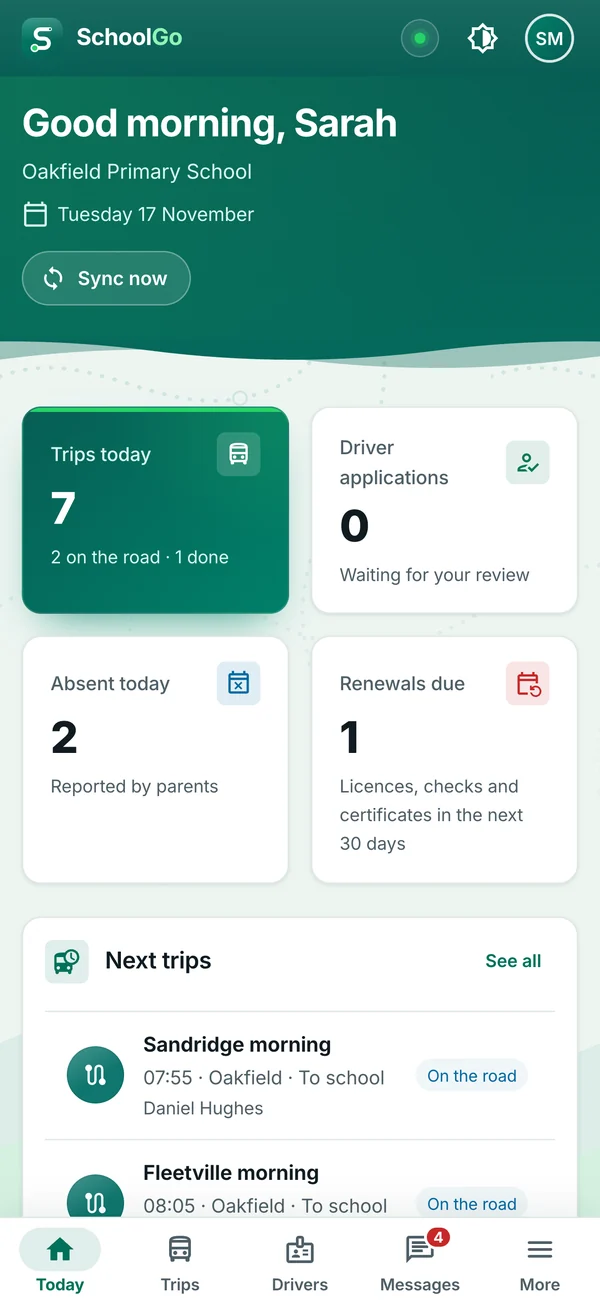
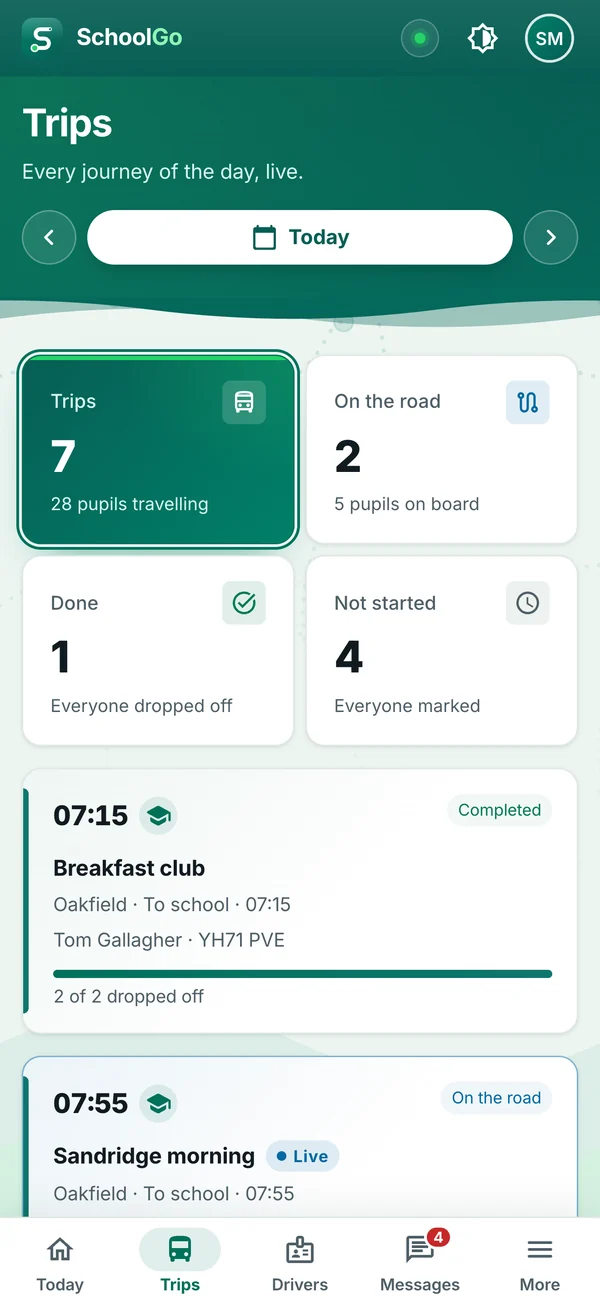
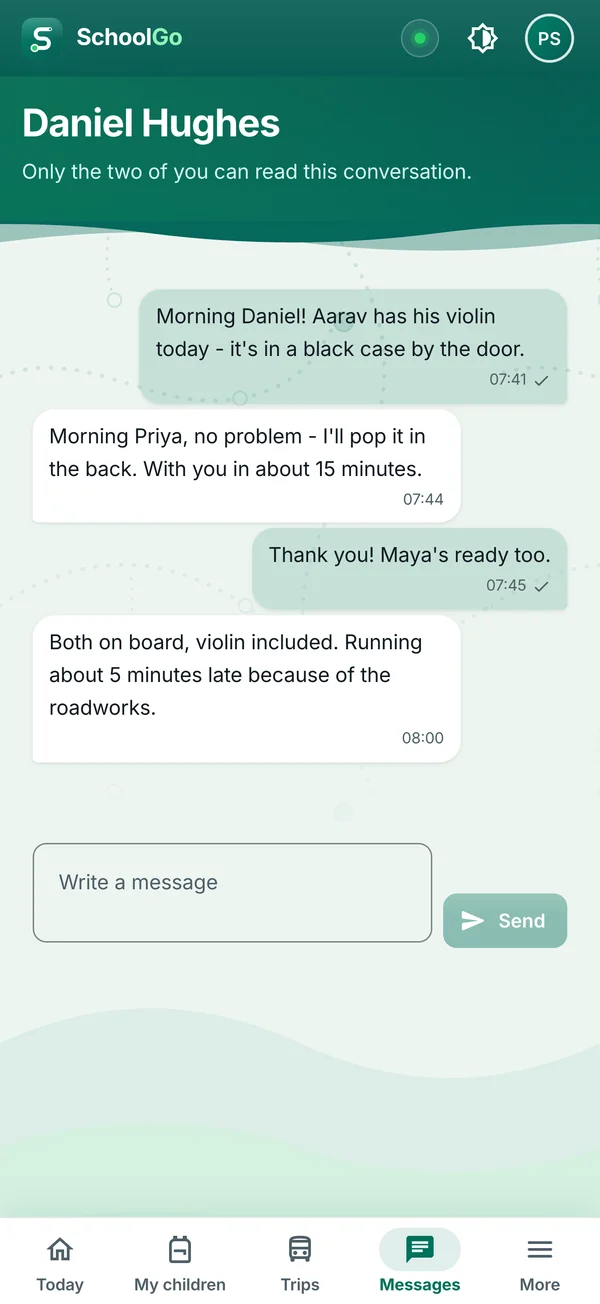
Yes. SchoolGo is free to download on Android and iPhone and free to use in a web browser. It has no adverts and nothing to buy in the app.
Only the people the record concerns: the child's school, the drivers who carry them and their own guardians, within the access the child's primary guardian gives. Nobody sees another family's children.
Only while a trip runs. The driver agrees to it first, sharing starts when the trip starts and stops when it ends, and only the school's staff and the guardians of a child on that trip can see it.
Yes, on a phone. Trips, pupils and notices are kept on the phone and every change is saved there first; when the signal comes back, everything syncs by itself. The web app needs a connection.
With your Google, Apple or Microsoft account, or with an email address and password, and you stay signed in until you sign out. You join a school with a one-time invitation code from that school.
On a phone, you can back up SchoolGo's data to your own Google Drive or OneDrive, or to iCloud on an iPhone. Each backup is encrypted with a passphrase you choose. The passphrase is never stored, so keep it safe: without it, a backup can't be restored.
What SchoolGo collects, why, who sees it and how long it is kept: the transport records each school keeps, a driver's location only during a trip, and diagnostics only if you say yes.
The terms you accept by using SchoolGo, the same ones the app shows: the app is provided as it is, what you are responsible for, and how any future charge would work.
Book a 30-minute walkthrough with the team that builds SchoolGo. Bring your questions; we'll bring the product.
One calm, fast inbox for every email account on Android and iOS. It works offline and has no servers of its own, so your mail stays between you and your provider.
Explore EmailGo
The phone app for tuition schools, tutors and students: lessons, diaries and learners in one place, working offline.
Explore Lesson Manager
Diary, students, lessons, payments and performance analytics for driving instructors, with a companion app for their learners.
Explore DI Manager